
Article —
Google Stitch is a surprisingly good UI designer
Stitch is Google's AI tool for designing user interfaces. It is generous with free usage, and some days it beats Claude Design. My take on what it is, what it isn't, and where I'd use it.
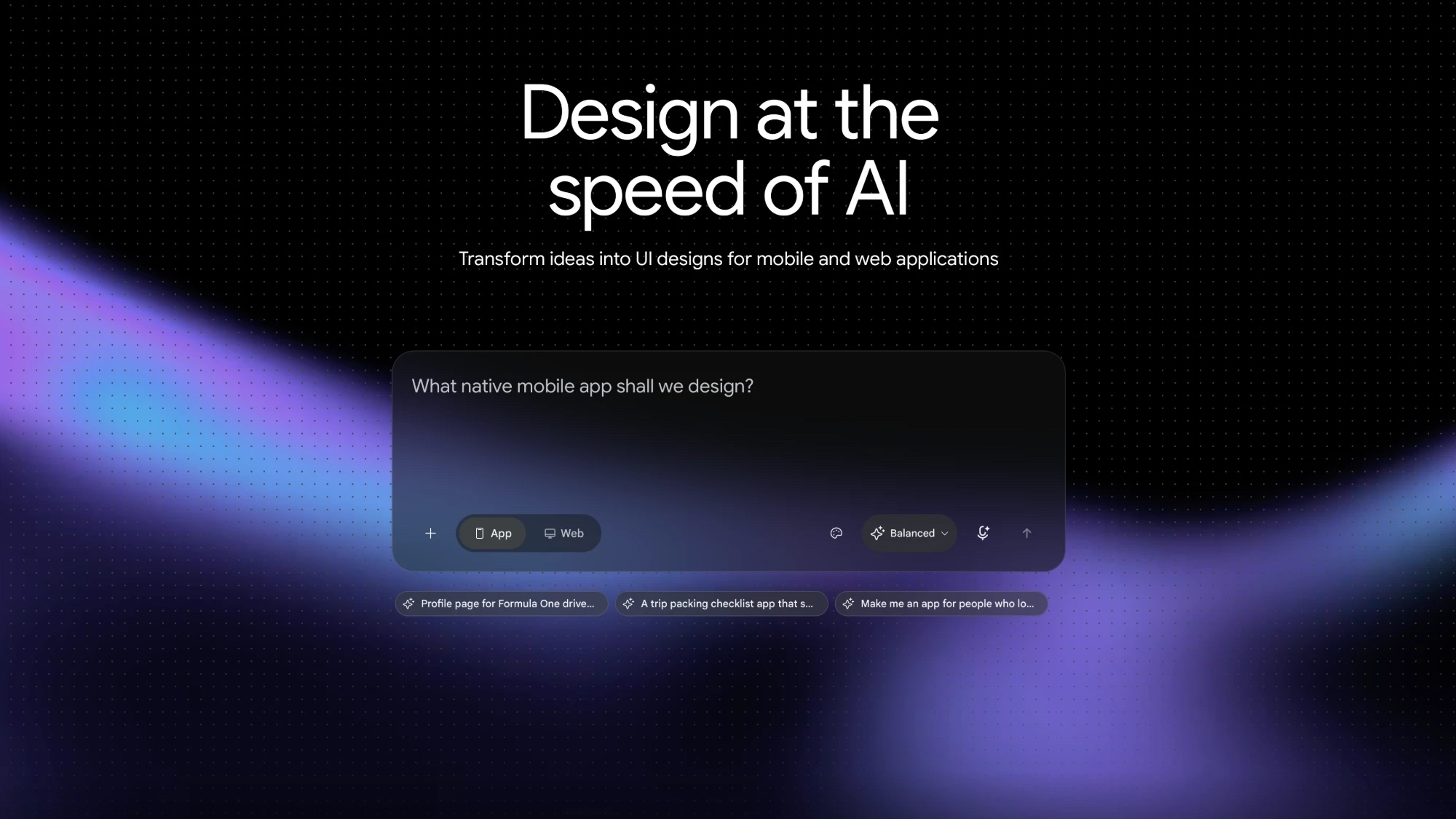
I keep two design tools within reach these days, and Google Stitch is one of them. Its landing page tells you almost nothing: a headline about designing at the speed of AI and a prompt box asking what you want to design. That is a fair summary. You describe an interface and it designs it, for an app or for the web.
What it is
Google’s AI design tool for user interfaces. You give it a prompt and it comes back with screens you can look at, push around and refine. In my experience it handles animations too, not just static layouts, which is where I expected it to fall over.
The other thing worth knowing: the free usage is generous. I have not run into the wall that most AI tools hit within an afternoon.
What it is not
- Not a replacement for a designer. It gives you a strong first draft, and taste still has to come from somewhere.
- Not a finished product. It still wears a Beta badge, so treat what comes out as a starting point for your own code and your own content.
- Not the only option. Claude Design does things Stitch doesn’t, and the reverse is also true.
Where it shines
Getting from a blank page to something real, fast. Sometimes it does a much better job than Claude Design, particularly when the starting point is “I have an idea, make it look good”. I now try it first when I need a UI direction, and I keep Claude Design for the parts that need more control.
Who it’s for
Developers who need decent design without a designer in the room, and designers who want a quick sketching partner. Since it costs next to nothing to try, the best advice is to try it on your own problem.